Take complete control of your law firm with NextGen.
Enhancements
CosmoLex NextGen
Watch a Webinar
CosmoLex users can now enjoy a fully customizable user experience. NextGen is here with an enhanced navigation and design that gives you the most important controls of your law firm at your fingertips. NextGen features include:
Updated Navigation
- Granular main navigation menu
- Simplified window header
- New Sections For
-
- Time
- Billing
- Practice Management
- Views
-
Updated Design
- Action menu on row
- Split screens
- Single Column Form layout
- Option for drawer or full screen
Custom Views & Exports
- Customize the grids including columns, column order, sorting, filter, etc.
- Save view(s) for later and choose a default view
- Share with others
- Configure my export
Configurable Dashboards
- Resize, drag & drop tiles
- Change format for better view of information
- Create personal or firm dashboards using customized views.
Time Dashboard
- Calendar and Line view to analyze hours entered by Timekeeper(s)
- Summary for entered time entries
- List of time entries in grid view per selected date(s) in calendar view
All this is in addition to the current CosmoLex features that are available in NextGen, that include:
- Contact Management
- Matter Management
- Time and Expense Tracking
- Billing
- Invoicing
- eBilling
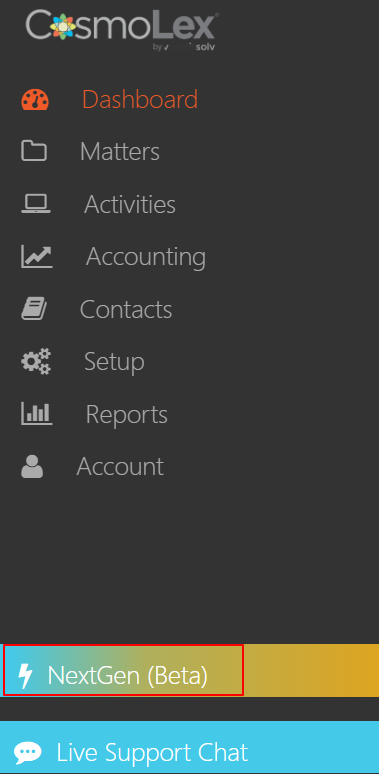
To access NextGen, log in to your existing application and click on the NextGen (Beta) tab.
Also Read: Using NextGen