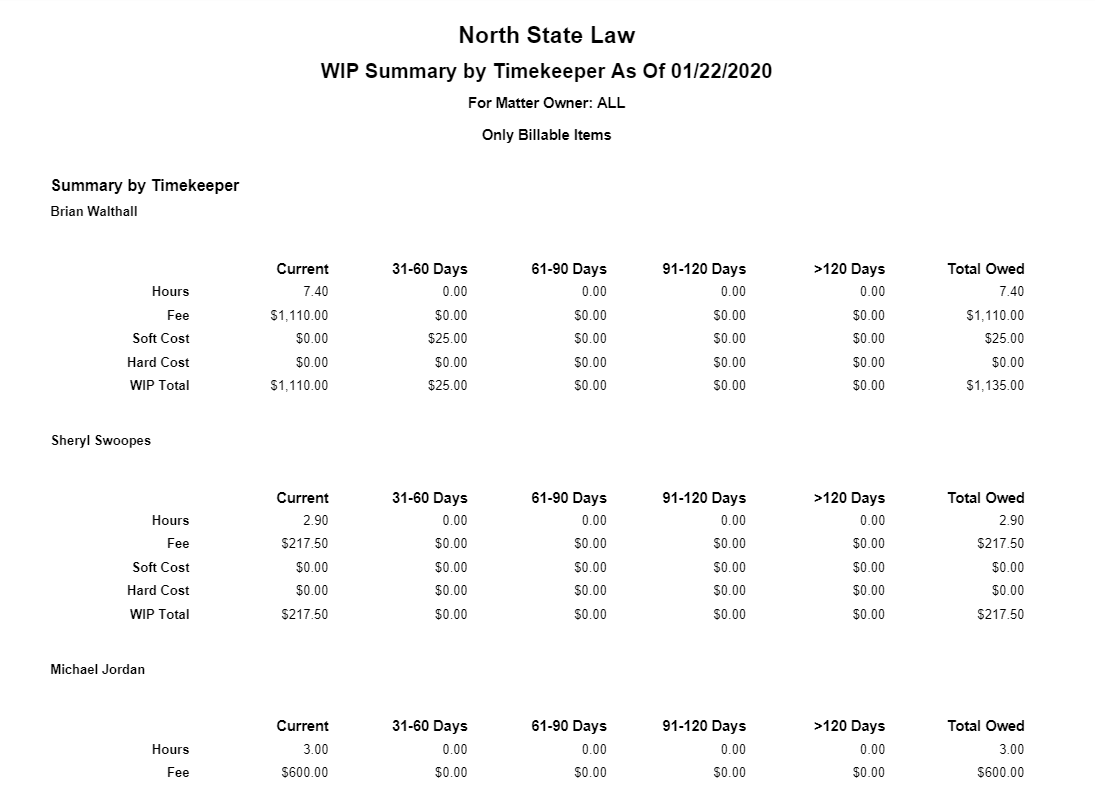
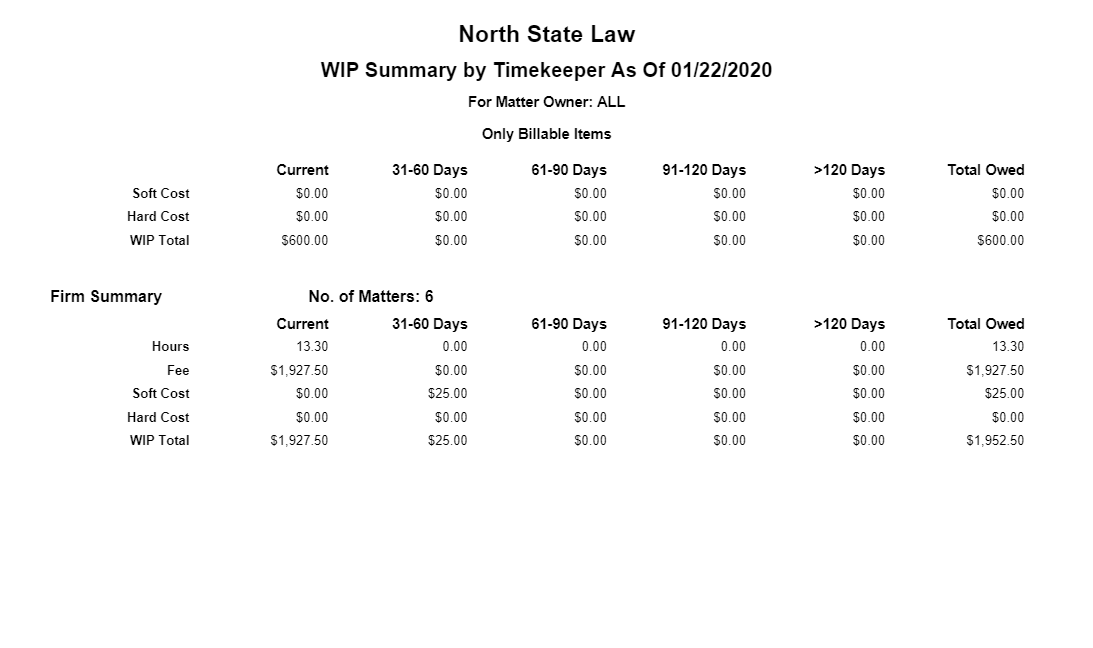
The Work in Progress (WIP) Summary Report provides a detailed WIP breakdown by timekeeper, matter, or client.
To access this report, go to Reports > Billing >WIP Summary
Report Filters
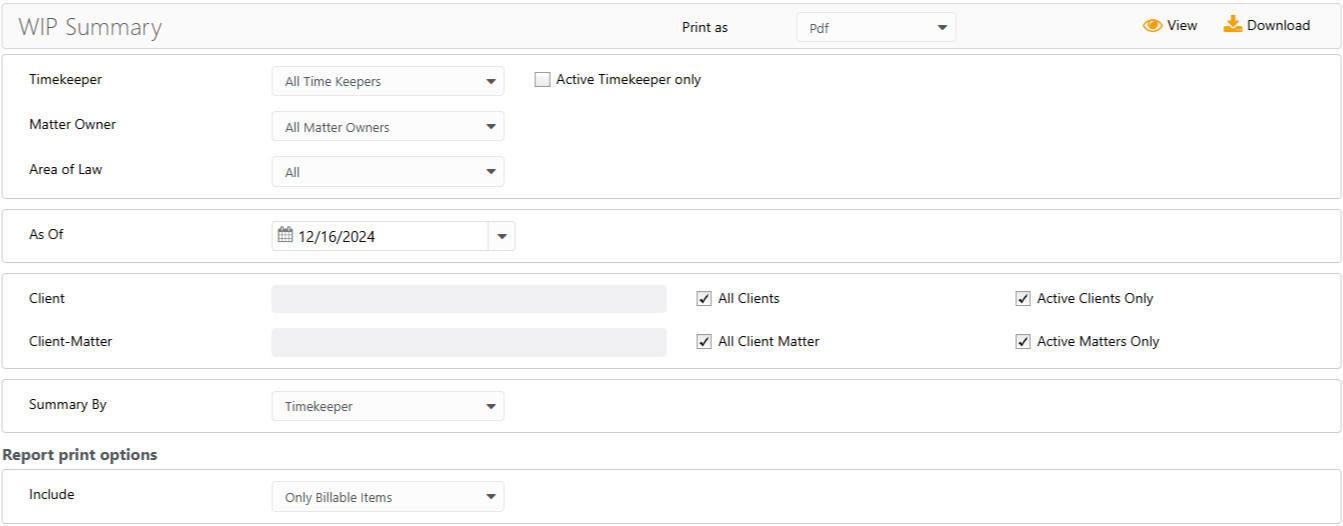
- Timekeeper: Choose all timekeepers or a specific timekeeper. Check the Active Timekeeper only box to exclude all inactive timekeepers from the timekeeper drop-down.
- Matter Owner: Choose all matter owners or a specific matter owner.
- Area of Law: If needed, you can filter by Area of Law. Area of Law is assigned in the Add/Edit Matter screen.
- As of: This will default to today's date, but can be changed.
- Client: Choose all clients or a specific one. You can choose to view active clients only. To include inactive clients, uncheck the box.
- Client-Matter: Choose all client-matters or a specific one. You can choose to view active matters only. To include inactive matters, uncheck the box.
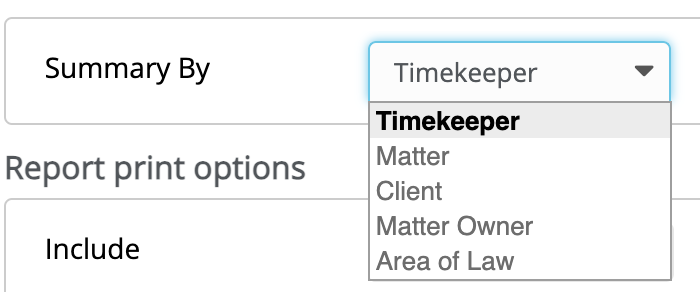
- Summary By (How would you like to sort this report): Choose Timekeeper, Matter, Client, Matter Owner, or Area of Law
Report Print Options
Include either Only Billable Items, Non Billable/No Charge, or All items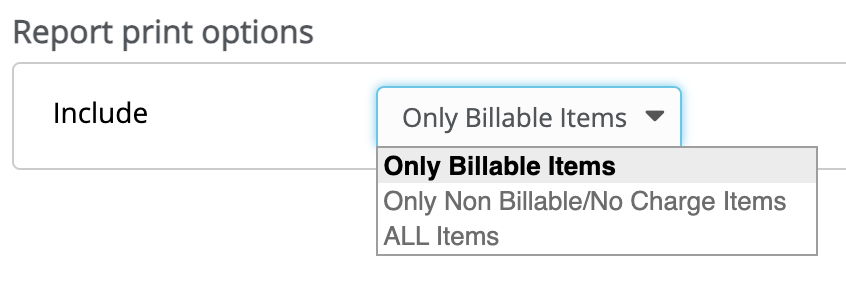
View/Download
Click View to preview the report or to download, select the preferred format (Excel/pdf) and click Download.
Sample Report