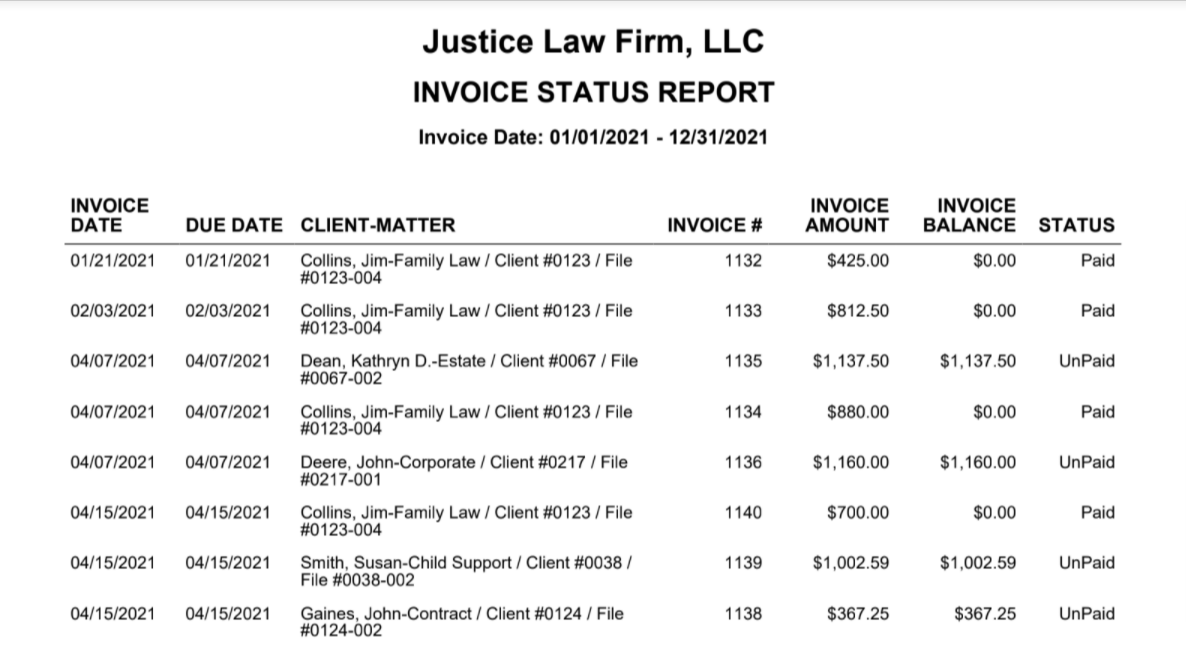
The Invoice Status Report lists invoices and their status whether paid or unpaid in a given duration.
Go to Reports > Billing > Invoice Status Report
Report Filters

Invoice Date Range: The date range options you have are Last Month, Last Year, This Month, and This Year.
View/Download
Click View to preview the report or to download, select the preferred format (Excel/pdf) and click Download.
Sample Report