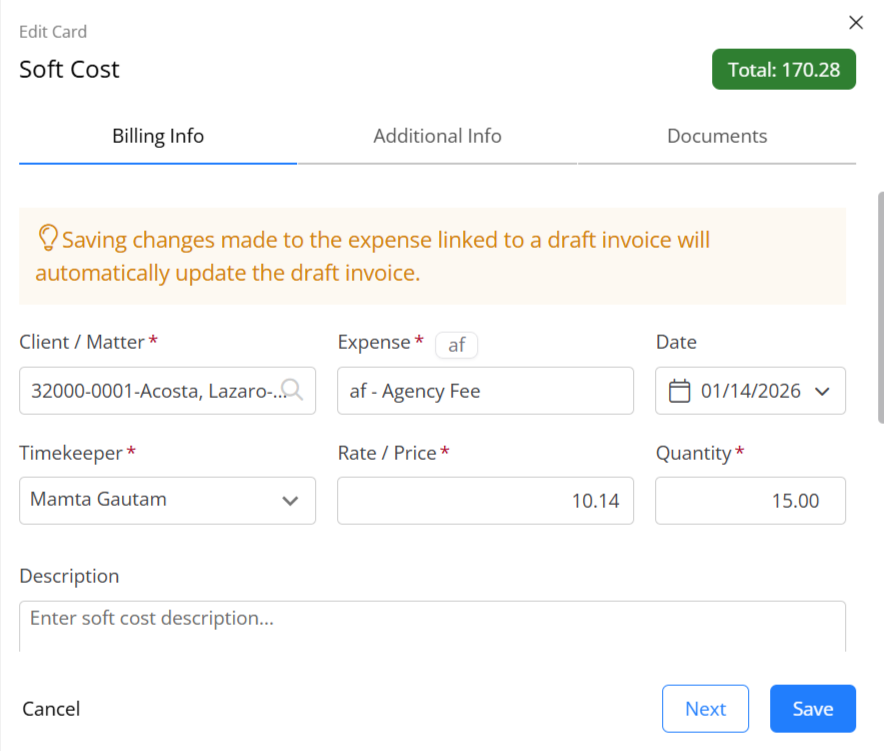
The process for editing a soft cost depends on whether your firm has billed for it.
Edit a Soft Cost
Unbilled
To edit an unbilled soft cost:
Billed
To edit a billed soft cost:
- From the left navigation panel, click Matters.
- On the Matters screen, double-click the matter and scroll down to view the matter details.
- You can also single-click it to highlight the timecard, then click on the 3 dots to the right of the timecard select Edit, and scroll down to view the matter details.
- By default, you'll see the Matter Summary. Click on the Billing tab. Select Invoice.
- Single-click the impacted invoice to highlight it, then click on the 3 dots to the right and select Revert to Draft.
Note: Since this Invoice has been approved, editing is not permitted. You can View/Print the invoice or revert it to draft first for editing. You can also use the Change/Write-Off option under the Action menu to make subsequent changes/write-offs.
- A pop up will appear cautioning you with the consequences if you proceed with reverting the selected invoice to draft.
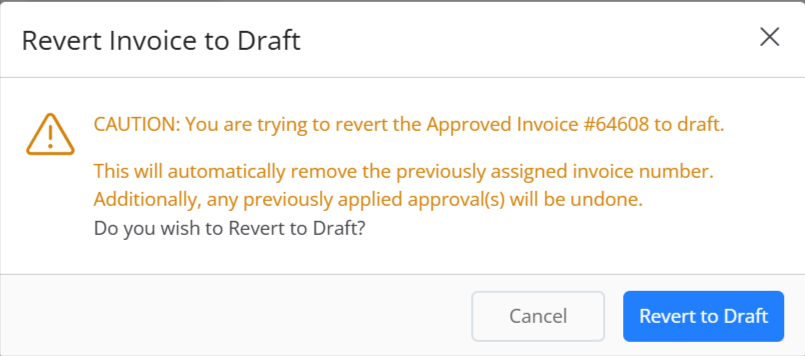
- Click Revert to Draft to confirm.
- Click on the 3 dots to the right of the invoice and select Edit.
- Follow the steps above to edit an unbilled soft cost.