You can add a timecard to an hourly matter that charges a flat fee instead of an hourly rate. This works well for matters requiring a type of hybrid billing, or for flat fee matters for which you want to itemize flat fee tasks on the invoice.
Add a Flat Fee Timecard
To add a flat fee timecard:
- From the left navigation panel, click Matters.
- On the Matters screen, double-click the matter and scroll down to view the matter details.
- From the tabs, click Billing > Time/Expense.
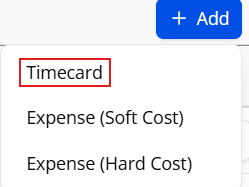
- Click +Add. From the drop-down, select Timecard.
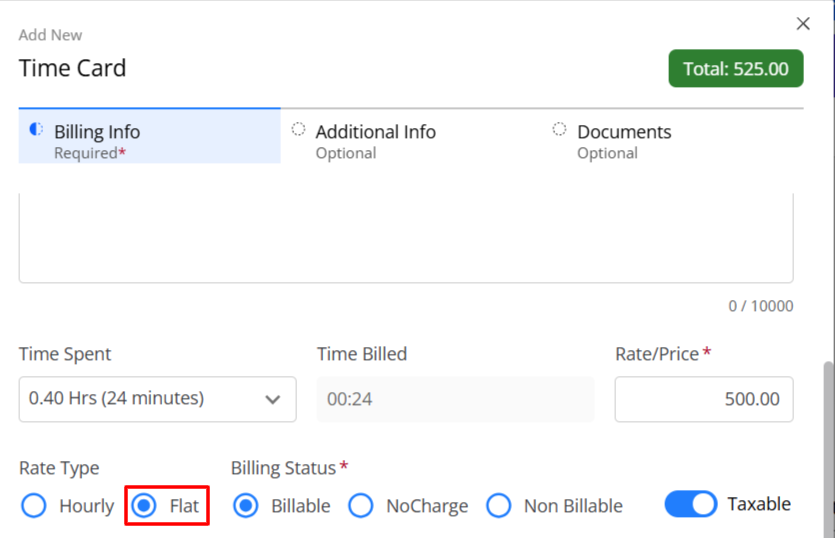
- In the Timecard modal, enter all applicable information for your timecard.
- In the Rate Type section, click the radio button for Flat Fee.
- Click Save.