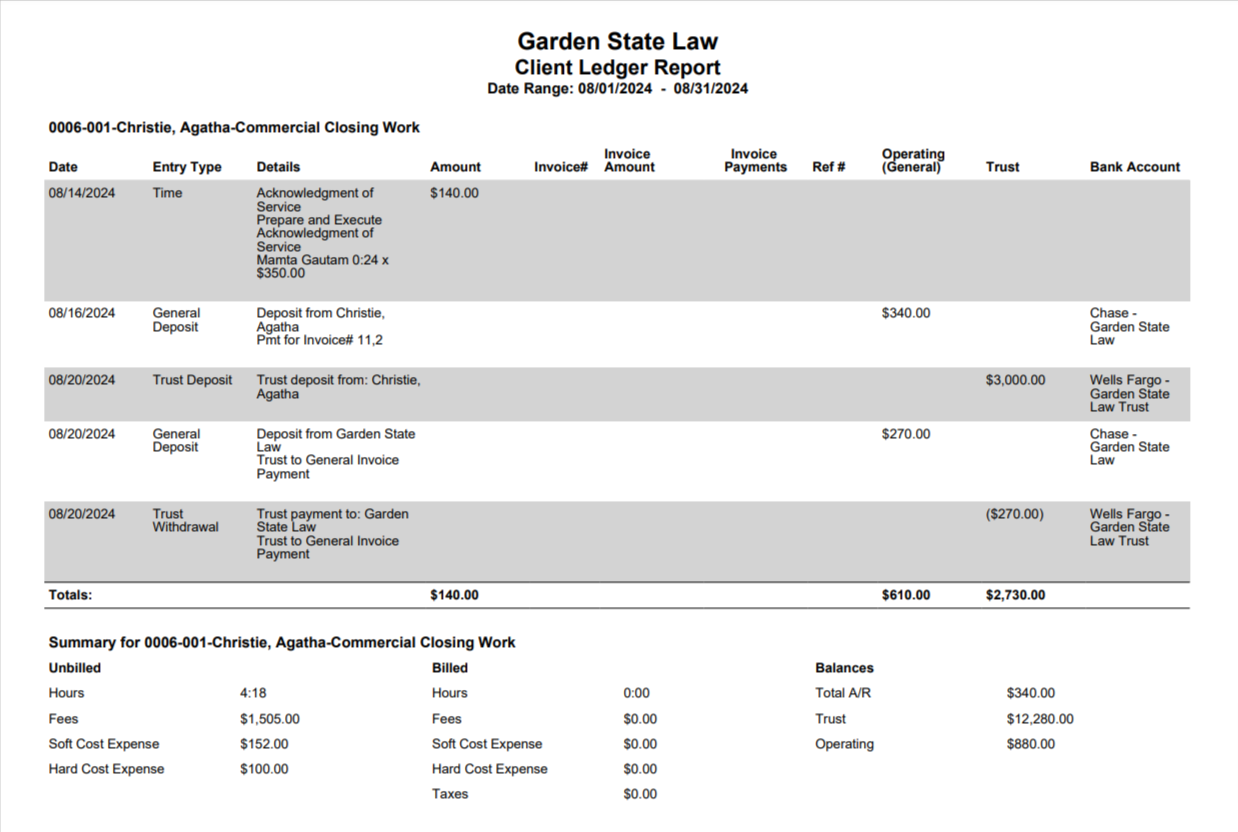
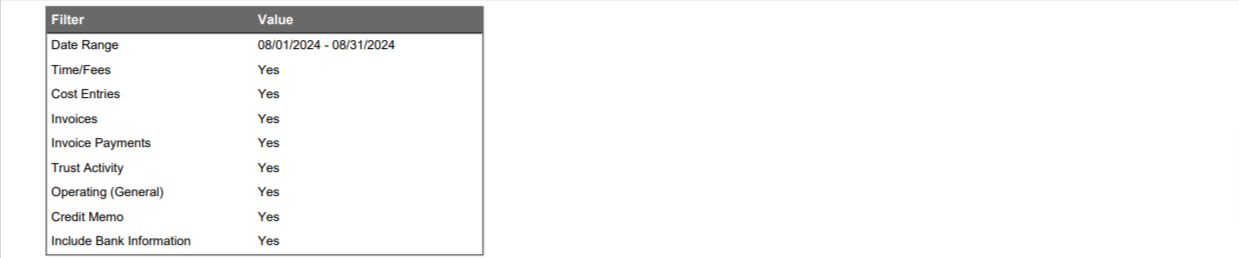
The Client-Matter Ledger includes all the activities for Client-Matter such as time (fees), expense, invoice, invoice payments, trust activity, operating bank activity, credit memo in the order that it is entered. You can also choose to include bank information. Users will be able to view the summary of billed, unbilled items over a specified period of time, and accounts receivable and retainer, as of print date.
Generate a Client-Matter Ledger
To generate a Client-Matter Ledger:
- From the left navigation panel, click Matters.
- In the Matters Screen, double-click the matter and scroll down to its summary section.
- From the tabs atop the Matter's summary section, click Billing.
- From the Billing screen, click Time/Expense.
- The Time/Expense screen opens, displaying a toolbar atop the screen.
- From the toolbar atop the Time/Expense screen, click Action > Client-Matter Ledger.
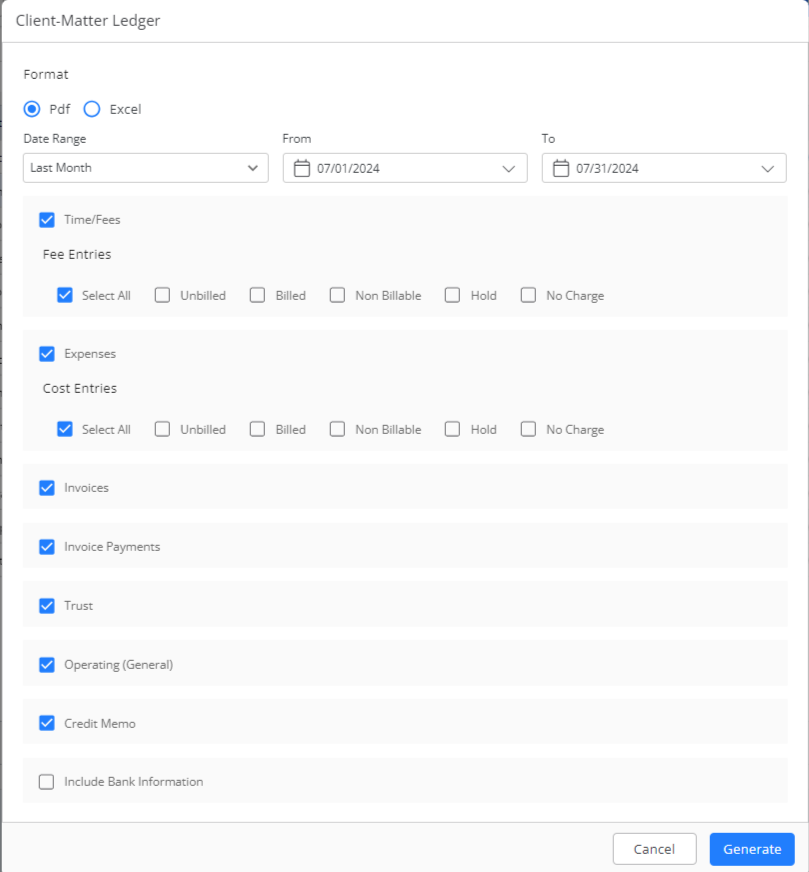
Client-Matter Ledger Screen Fields
Format From the drop-down, click your preferred format (PDF or Excel). Date Range Use the drop-downs to enter your desired date range. Time/Fee Items Check the boxes for bill types you wish to include. Expenses Cost Entries Check the boxes for expenses you wish to include. Invoices Check or uncheck the box, as desired. Invoice Payments Check or uncheck the box, as desired. Trust Check or uncheck the box, as desired. Operating (General) Check or uncheck the box, as desired. Credit Memo Check or uncheck the box, as desired. Include Bank Information Check or uncheck the box, as desired. - In the lower right corner, click Generate.
The report downloads in your preferred format.
Sample Client-Matter Ledger