With assistance from our support team, you can display the currency conversion for non-variable currencies on your invoices.
Display a Currency Conversion on Invoices
To display a currency conversion on your invoices:
- From the toolbar atop the screen, click your Profile Icon.
- From the drop-down, click Setup.
- From the Setup left navigation, click Firm Settings.
- Atop the Setup gray left navigation, click Firm Settings.
- From the tabs atop the Firm Settings screen, click Invoice Settings.
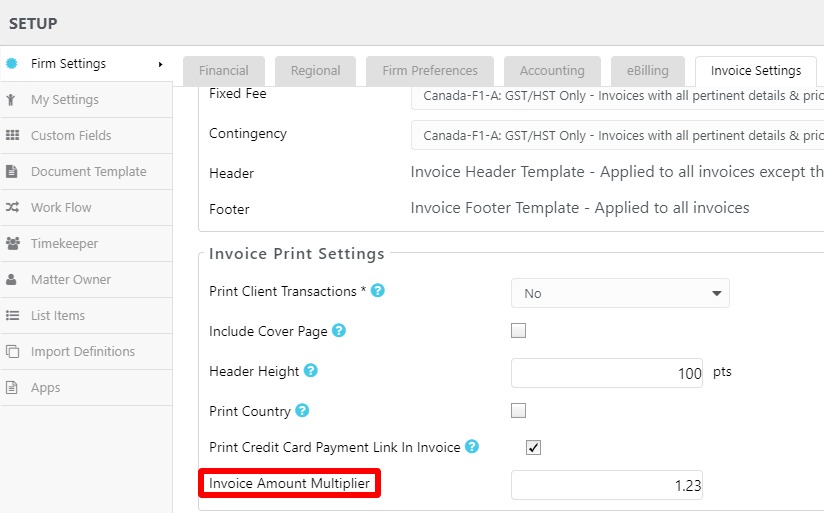
- On the Invoice Settings screen, under the Invoice Print Settings section, in the Invoice Amount Multiplier field, enter the appropriate multiplier for your non-variable currency.
- In the upper right corner, click Save.
- Contact our support team for assistance updating your invoice template to display the currency conversion field.