You can use the application's free native document storage solution or integrate with an external document storage solution.
Third-Party Document Storage Solutions
Before you begin, it is important to understand How the Application Works with Document Storage Integrations.
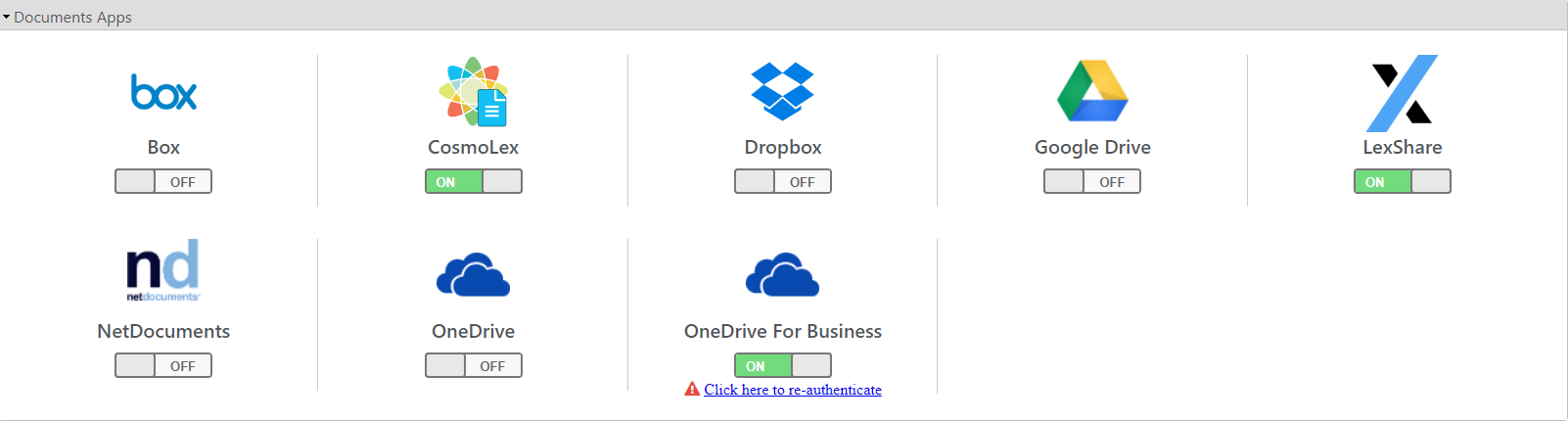
You can integrate with any of these document storage solution applications:
Native Document Storage
Your subscription includes native document storage.
You can store an unlimited number of documents in the application's native storage, up to 5GB maximum file size per document. Large files such as videos, discovery sets, and full case archives can be uploaded directly to a matter.
To set up native document storage:
- From the toolbar, click your Profile icon.
- From the drop-down, click Setup.
- From the bottom of the Setup navigation, click Apps.
- Under the Documents Apps section beneath CosmoLex, click the gray OFF switch.
The switch turns ON and green.
- From the Setup left navigation, click Firm Settings.
- From the tabs atop the Firm Settings screen, click Firm Preferences.
- About halfway down the Firm Preferences screen, from the Default Document App field's drop-down, click CosmoLex.
- In the upper right corner, click Save.
The system saves your default setting.