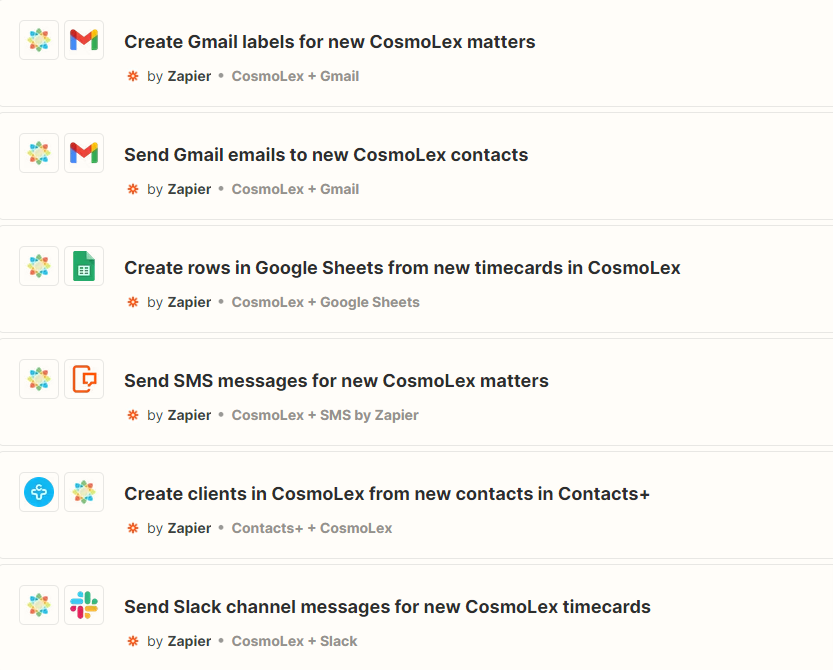
You can utilize Zapier, a web automation service to create workflow integrations with 4000+ applications. Zapier allows you to create "Zaps" or connections between two or more applications using a trigger step and one or more action steps. When you turn your Zap on, it will run your workflow automatically.
Important: Zaps are firm wide and will trigger regardless of the CosmoLex user.
Integrate Zapier
Note: If you do not have an account, sign up for a free Zapier account.
- Log in to your Zapier account.
- From the top menu bar, navigate to My Apps.
- Now click on Connect a new account and search for CosmoLex.
- Use your credentials to connect your CosmoLex account to Zapier.
- Once that's done you can start creating an automation.
To Create a Workflow in Zapier
A workflow automation is called a Zap in Zapier. Learn how to create a zap.
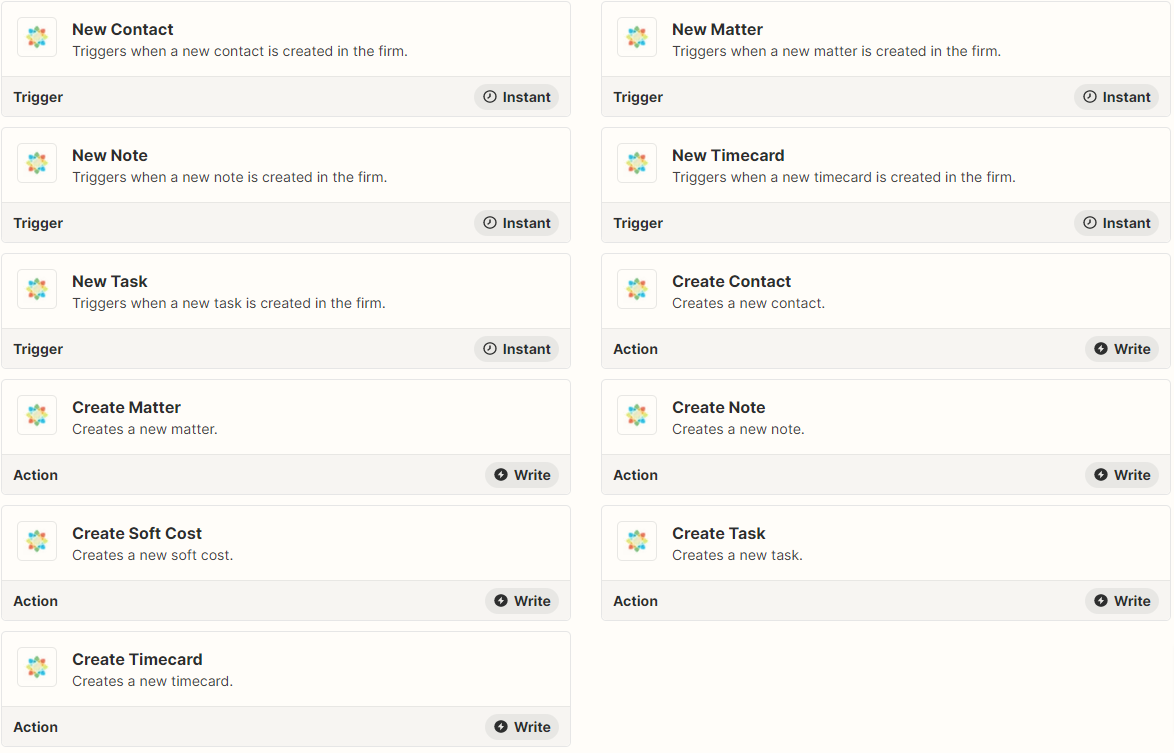
Below is the current list of available triggers and actions. We will be growing this list with the help of our users.