Using CosmoLex's integration with The Conveyancer®, you can dramatically simplify the real estate closing workflow. Statement of account charges for a single file or multiple files from The Conveyancer can be imported into CosmoLex for client billing & back-office accounting.
Import The Conveyancer Files
To import Quintalink files:
- From the main navigation panel, click Billing.
- From the Billing menu, click Time & Expense.
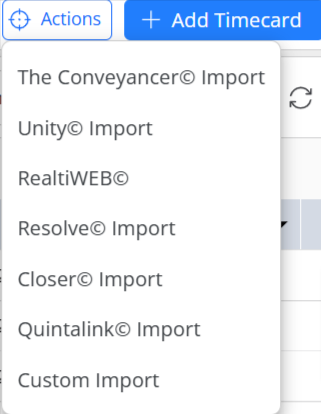
- From the tabs atop the Time/Expense screen, click Action.
- From the Action menu, select The Conveyancer Import.
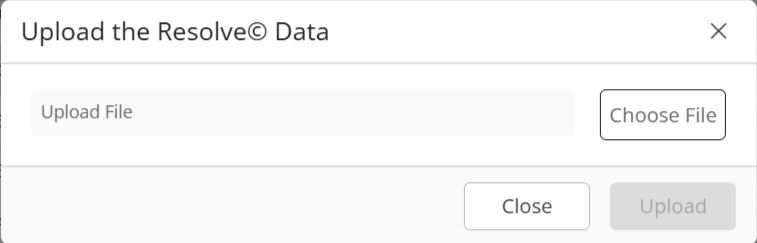
- On the Upload the The Conveyancer® Data pop-up, click Choose file.
- Select The Conveyancer files from your system and click Upload.