Use the AI Filter
To use the AI filter:
-
From the left navigation panel, click on any grid:
-
Matters
-
Billing > Time/Expense
-
Banking > Transactions
-
Calendar > Grid View
-
Practice > Task > Grid View
-
Matter > Tasks
-
Matter > Banking > Transactions
-
-
From the toolbar above the grid on the screen, click on the AI icon.

-
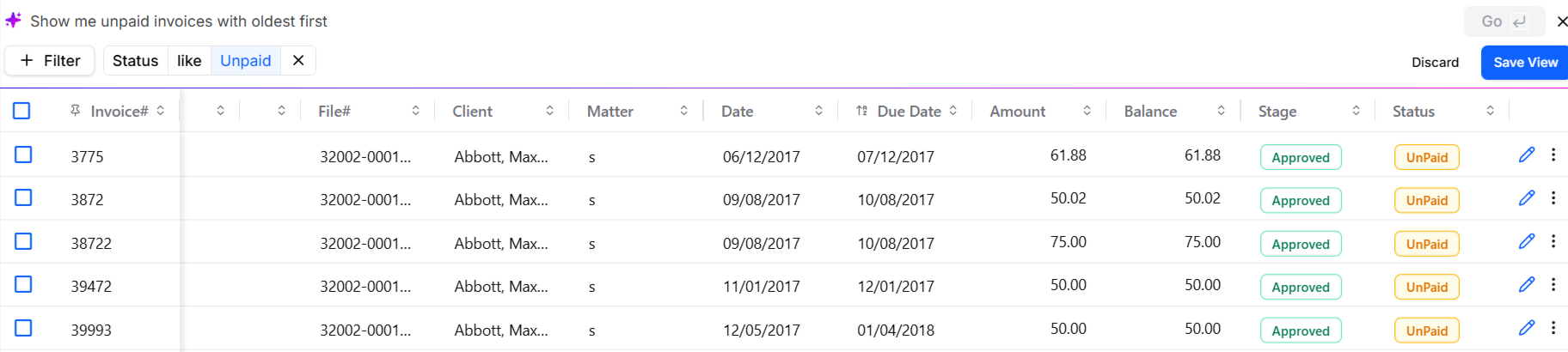
You will get suggestions for prompts that you can enter. To search for specific results, enter words, or a sentence in the space and at the end of the row, click Go.

-
The system will apply filters based on the prompt entered by you. Based on your search query, the results will display in the grid below.