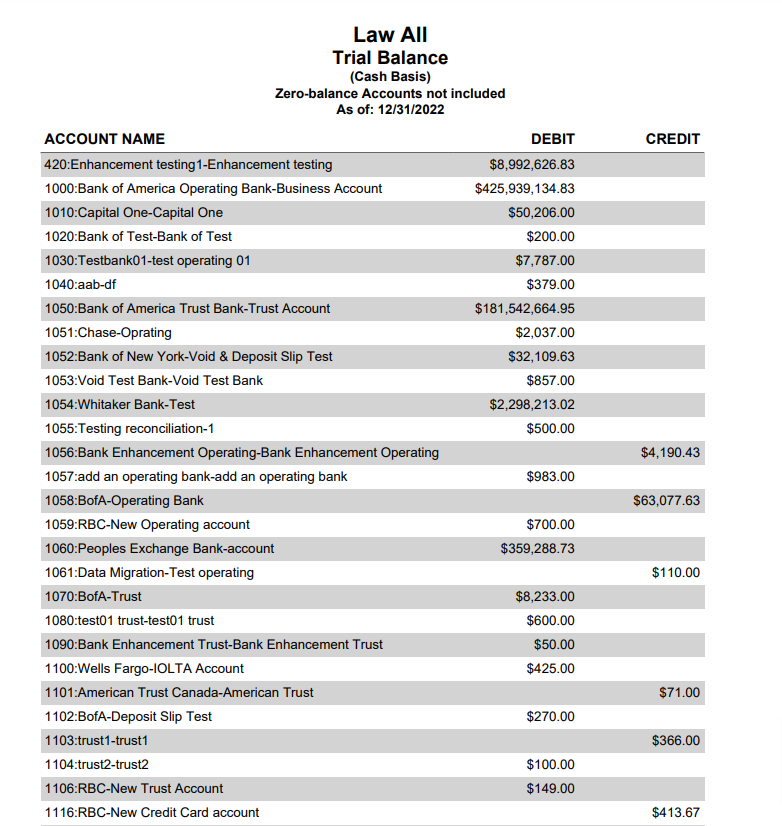
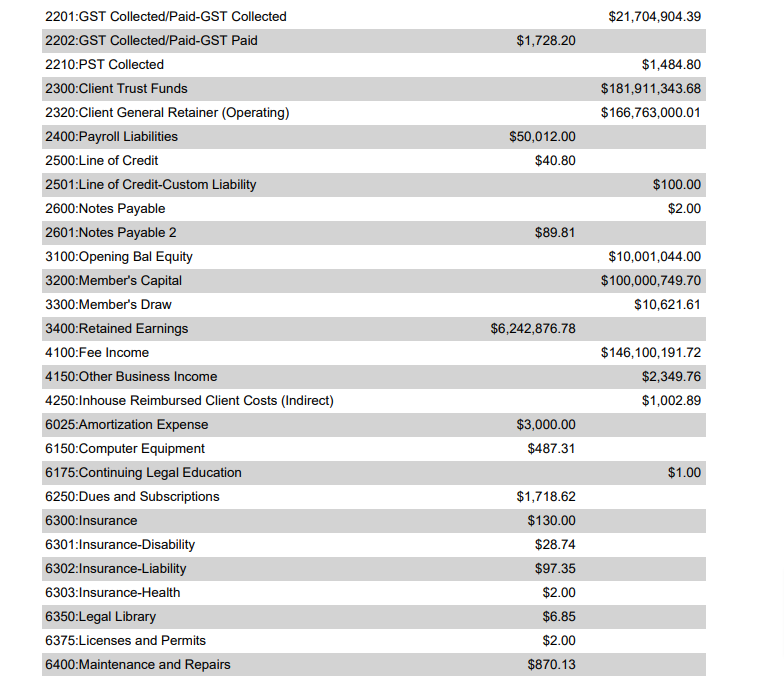
The Trial Balance is a bookkeeping sheet in which the balances of all ledgers are compiled into debit and credit columns.
A company prepares a trial balance periodically, usually at the end of every reporting period.
To access this report, go to Reports > Accounting > Trial Balance
Report Filters
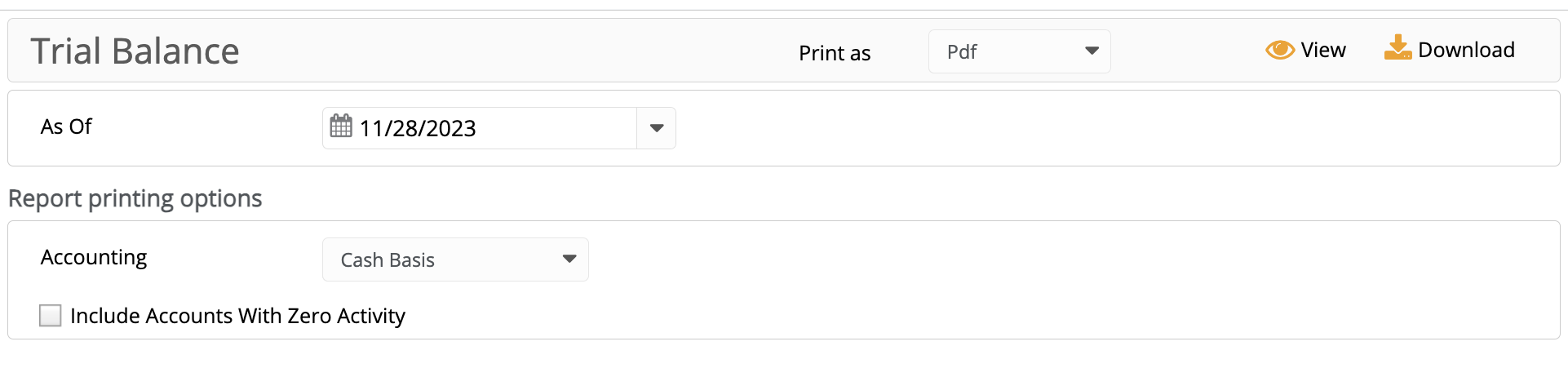
- As of Date: Select the date up until which you would like to include the balances.
Report Printing Options
- Accounting: You can generate the Trial Balance Report for two types of accounting: cash basis or accrual basis.
- Include accounts with zero activity: Checking this option will include those trial balance accounts that had no activity. This is unchecked by default.
View/Download
Click View to preview the report or to download, select the preferred format (Excel/pdf) and click Download.
Sample Report