How to Add a Desktop Icon for CosmoLex CRM
Add a one-click desktop shortcut that opens CosmoLex CRM like an app.
This article covers how to add a shortcut icon on your computer's desktop to open CosmoLex CRM.
The following instructions apply to both Windows and macOS devices.
First, resize your web browser window so that you can see both the browser and your desktop on the same screen.
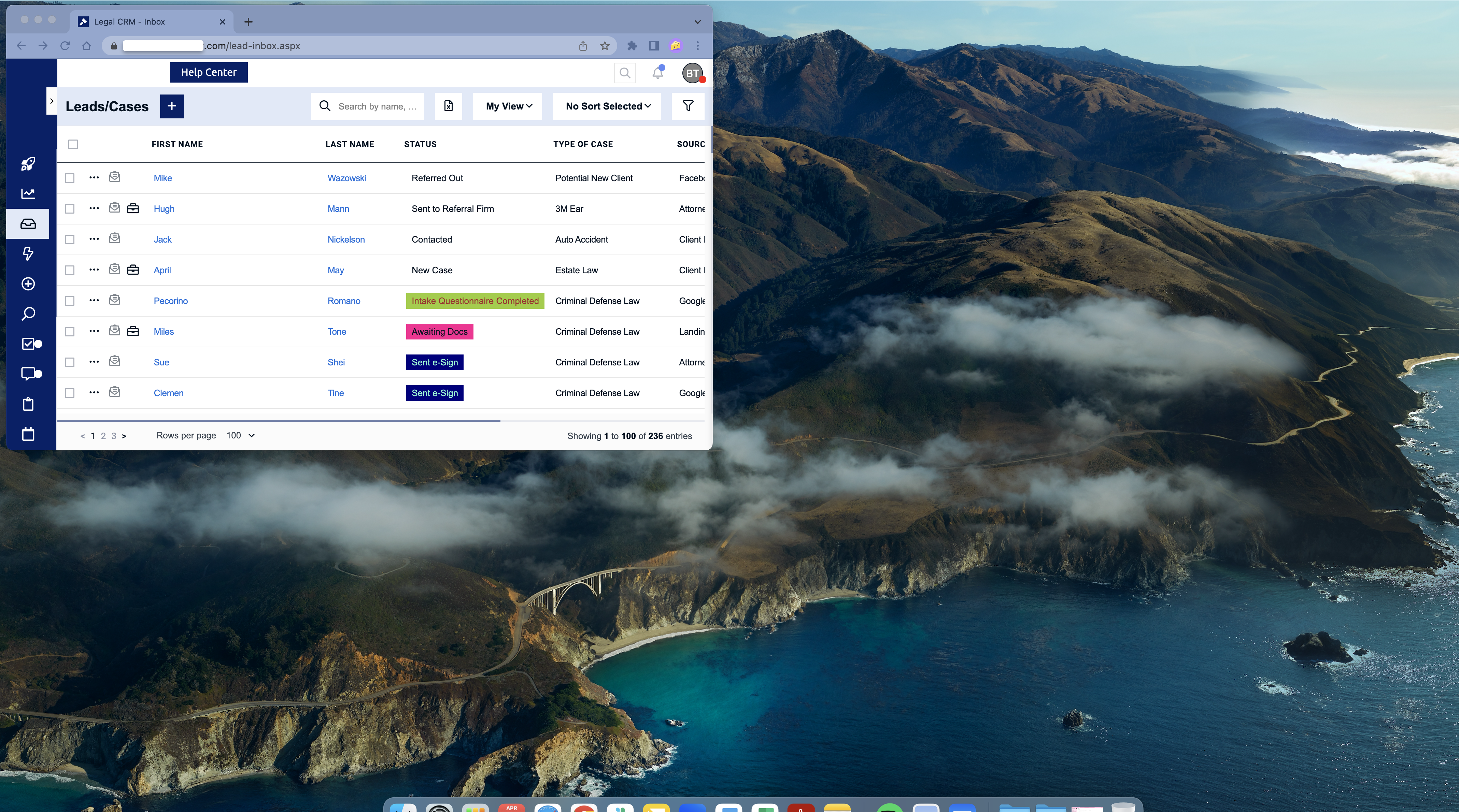
Next, click and hold down the lock icon to the left of the browser URL bar, and then drag and drop it to somewhere on your desktop.
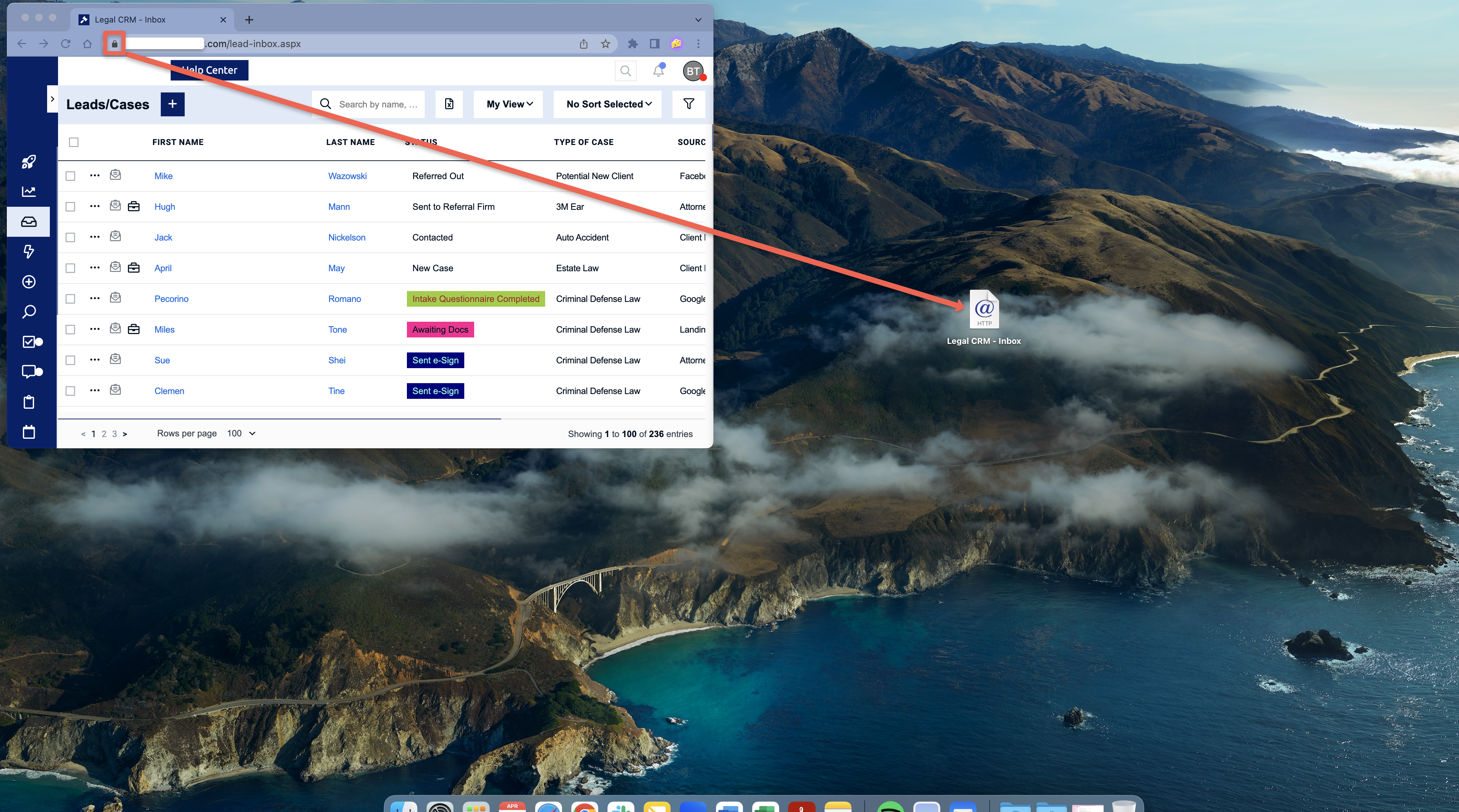
Please Note: The icon may look different from the one in this picture depending on the web browser version you are using.